PRESS KIT
Tungsten Edge press kit
Descriptions, facts, logos, screenshots and the demo video, for anyone writing about or reviewing Tungsten Edge. Use any of it in your coverage.
About Tungsten Edge
ONE SENTENCE
Tungsten Edge is a per-window taskbar for macOS — a Dock replacement that organizes by window, not app.
ONE PARAGRAPH
Tungsten Edge is a taskbar app for the Mac. The macOS Dock is organized by app; Tungsten Edge gives every window its own place on the bar: every window in view, one click away. It borrows the way the Windows taskbar handles windows, without the clutter — an app with only one window open shows as a plain icon, and its interface and design take after native macOS.
IN MORE DETAIL
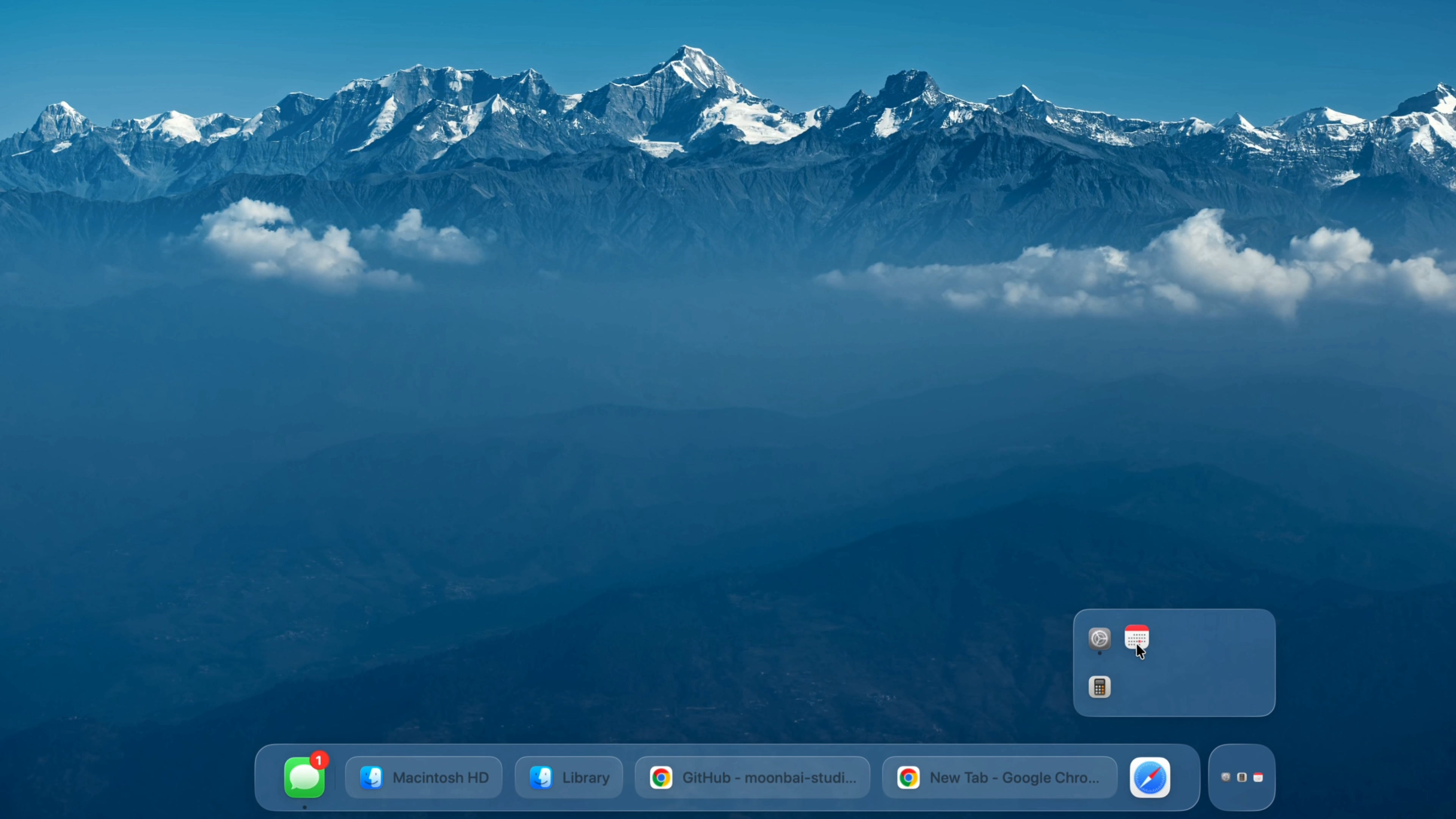
The macOS Dock shows one icon per app, however many windows that app has open. Tungsten Edge puts the windows themselves on a bar along the bottom of the screen, each in its own place, so you can see what is open at a glance and click straight to the one you want. An app with only one window open shows as a plain icon, which keeps the bar compact.
Most of the work went into making switching precise and predictable. Click a window and that window comes forward. Minimize the front window and the one directly behind it takes over. Switch tabs, minimize, restore — its place on the bar does not move. With more than one display, each screen can have its own bar.
It takes the window logic of the Windows taskbar, not its clutter. The look and the interactions stay close to macOS, with native Liquid Glass on macOS 26 and later. There are no CPU meters, calendars or clocks: the download is 4.5 MB, it idles under 0.7% CPU, and it uses about 100 MB of memory over long sessions.
Facts
| Name | Tungsten Edge — two words. In Chinese: Tungsten Edge 钨极 |
|---|---|
| Developer | Moonbai Studio |
| Category | A per-window taskbar for macOS |
| Requirements | macOS 12 Monterey or later · Intel and Apple silicon |
| Price | Free right now. From 1.0, the official build will be a $24 one-time purchase — no subscription. Anyone who signs up on the website and confirms their email before then keeps it free permanently. |
| Source code | GPL-3.0-or-later, on GitHub |
| Install | Signed and notarized download from tungstenedge.app, or brew install --cask tungsten-edge from the official Homebrew cask repository |
| Languages | English, Simplified Chinese, Traditional Chinese, Japanese, German, French |
| Privacy | Needs Accessibility permission to read window information and bring the window you click to the front; does not ask for Screen Recording. No analytics — the only automatic network activity is checking for updates. |
| By the numbers | 4.5 MB download · under 0.7% CPU at idle · about 100 MB of memory over long sessions · 1,198 unit tests, 375 of them on window recognition and switching |
| Recognition | Reached the top of r/macapps on September 22, 2026 · Featured in Brett Terpstra's Web Excursions on September 24, 2026 · Listed in awesome-mac |
| Contact | [email protected] |
Screenshots
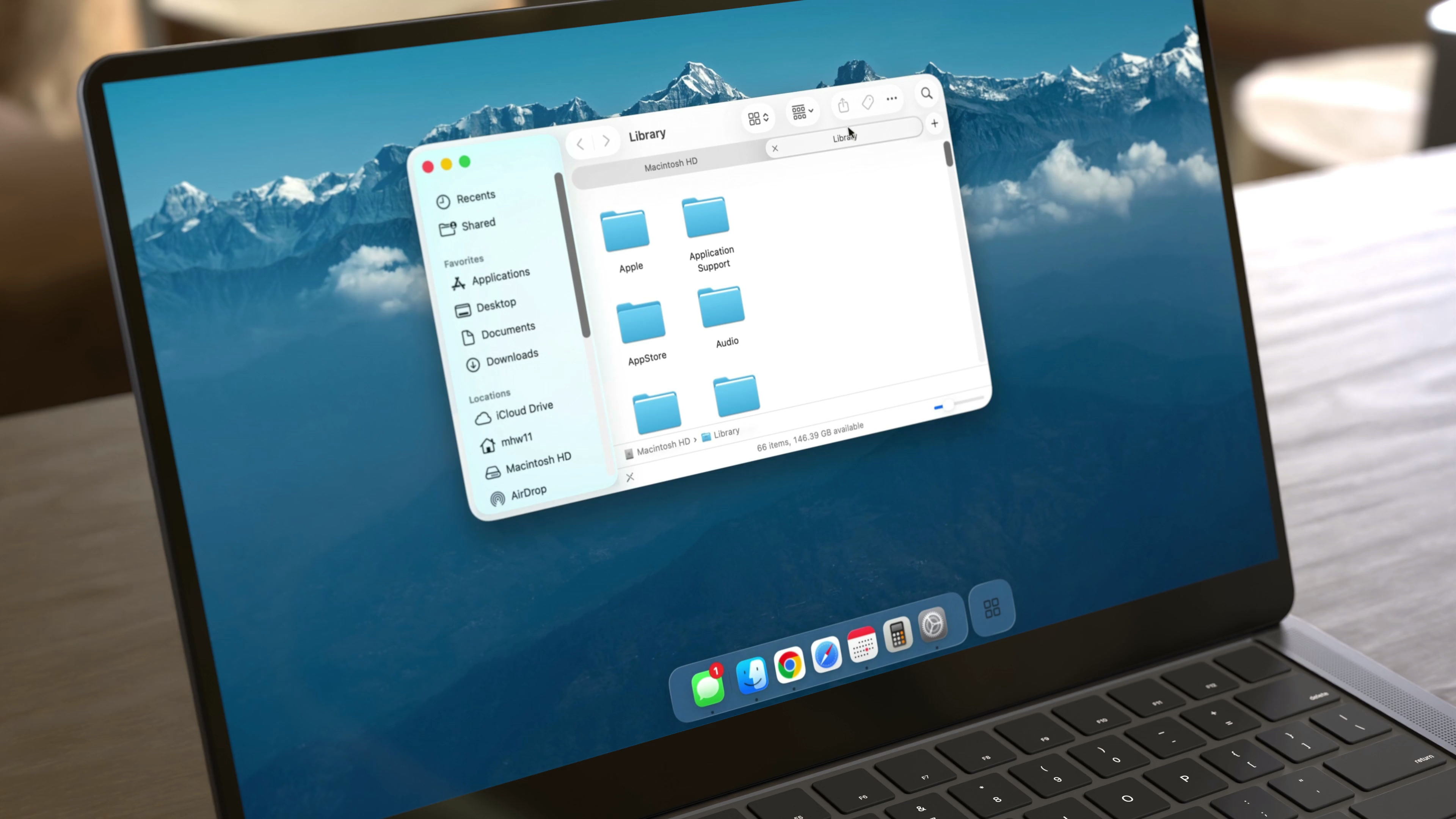
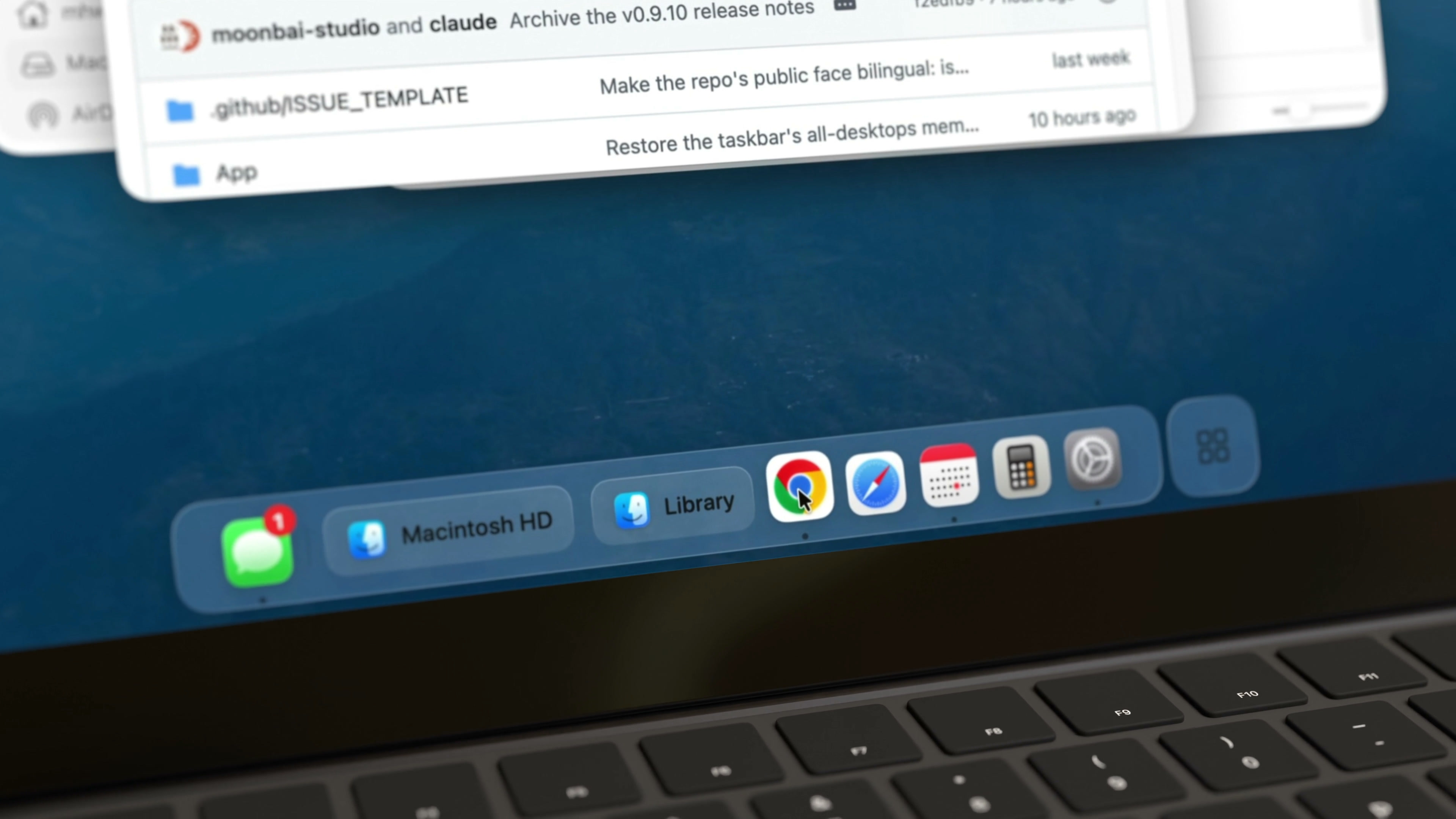
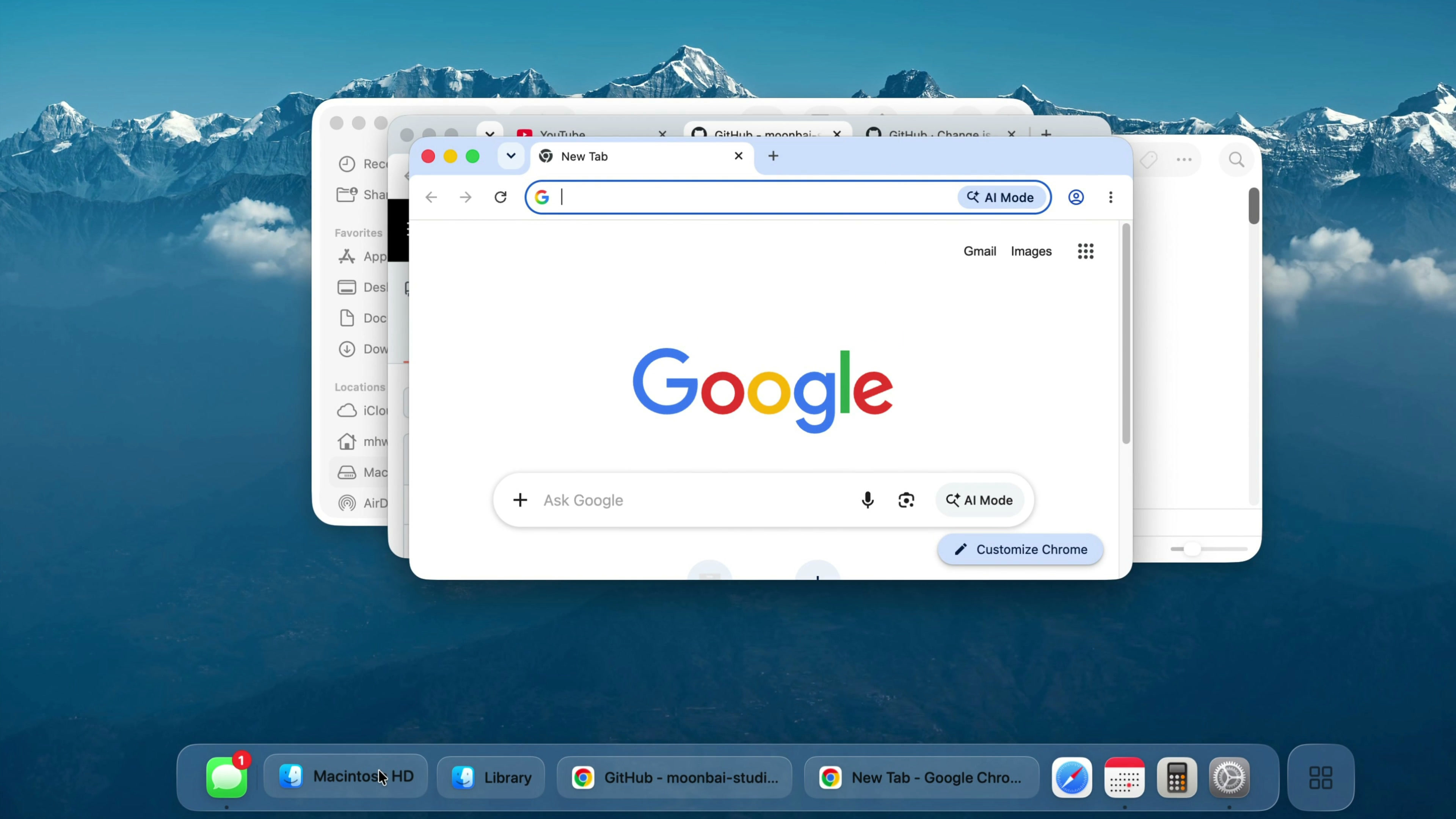
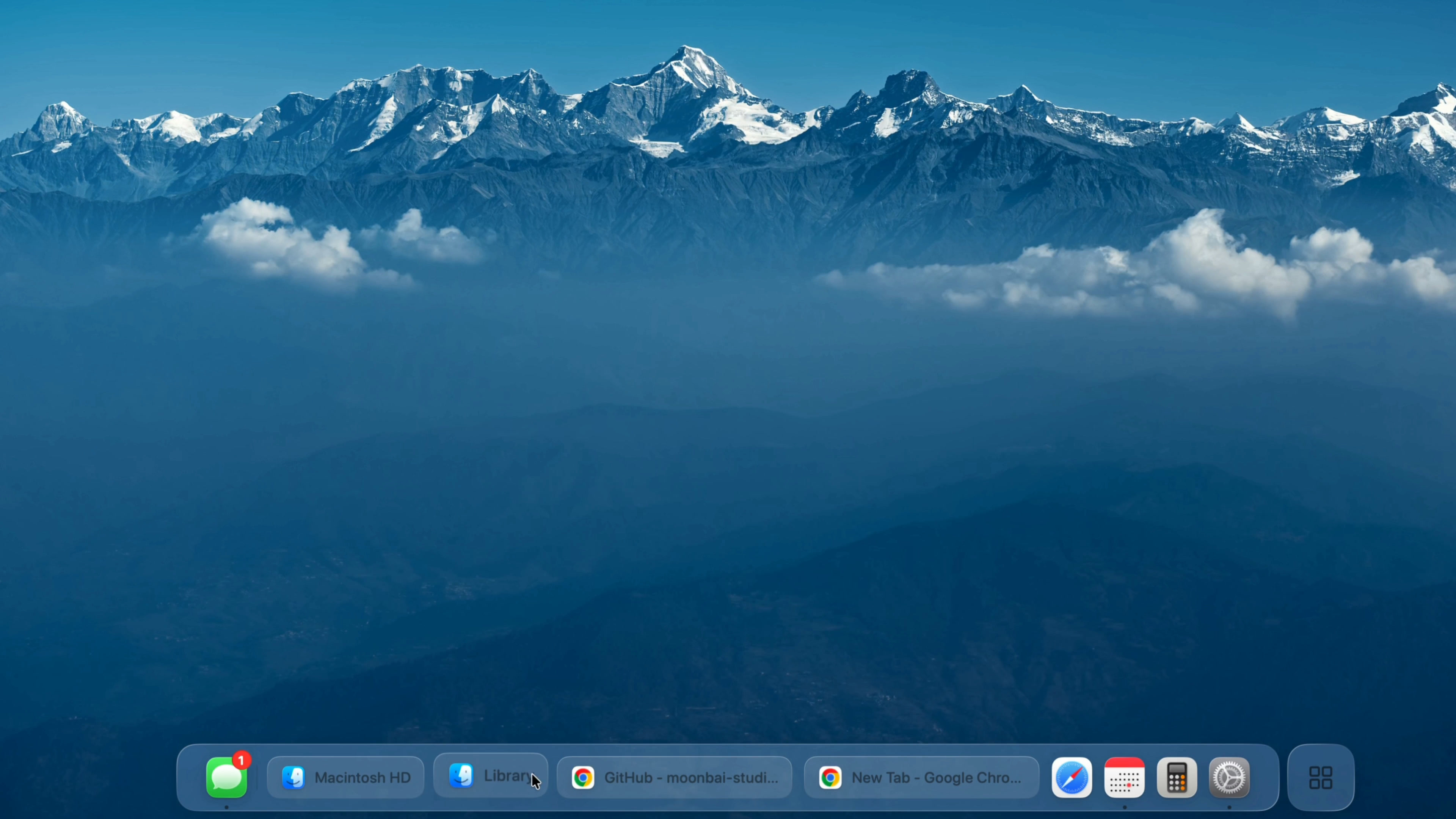
Demo video
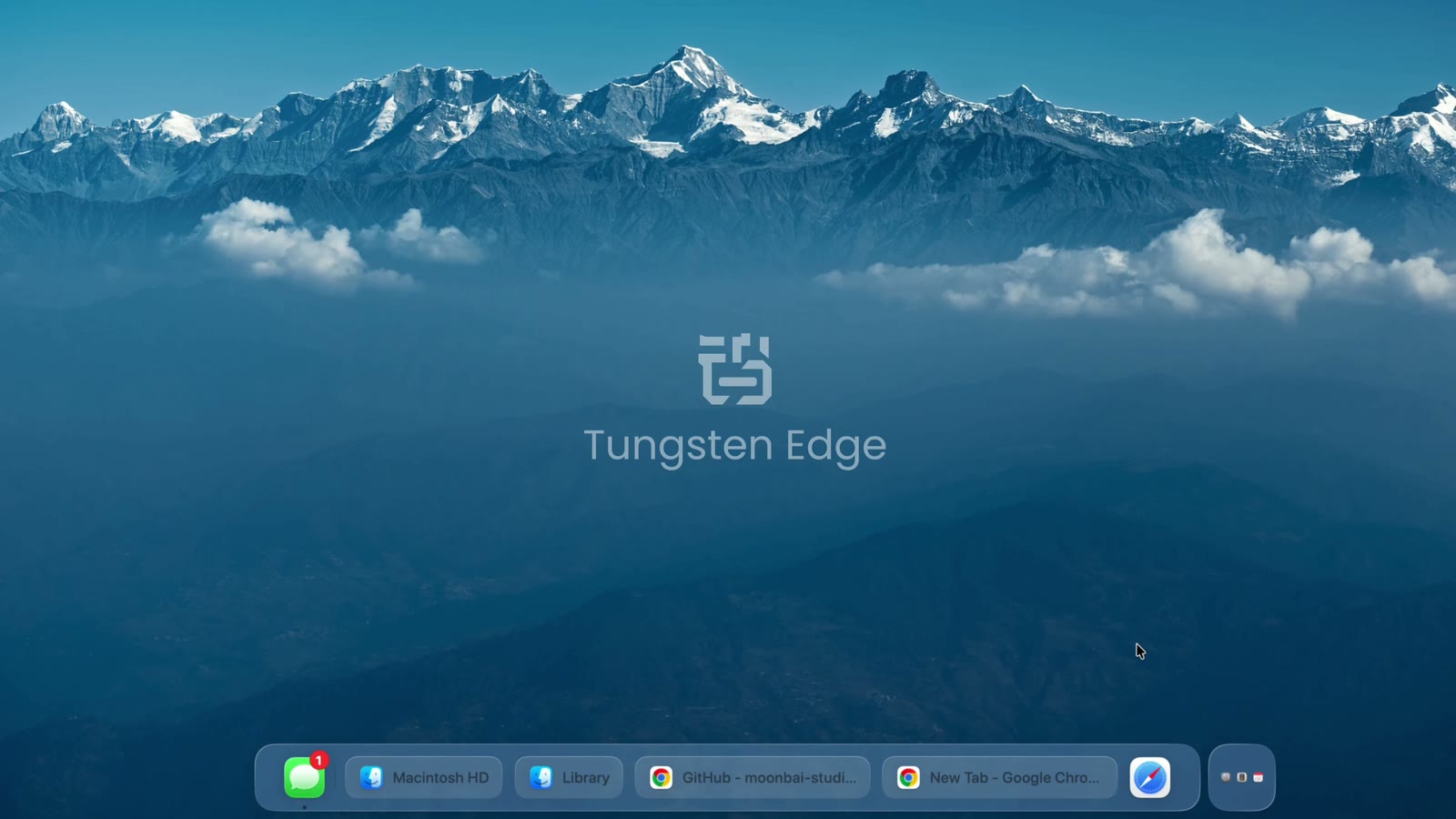
20 seconds, English subtitles · Watch on YouTube
Logo and app icon



















Please use the logo as it is — no recoloring, stretching or added effects. “Tungsten Edge”, “钨极”, the logo and the app icon are trademarks of Moonbai Studio; using them in articles, reviews and videos about Tungsten Edge is welcome.